Paint looks like an easy product to sell online. It is relatively inexpensive, it ships in standard sizes, and it can be painted over. In practice, colour is one of the hardest decisions people make about their home. The same shade can look warm in one room and grey in another, and a colour that looked calm on a chip can feel heavy across four walls.
A paint visualizer can help, but only if it is honest about what it shows and is supported by the rest of the product page. This guide covers what shoppers need before they choose a colour, and how to give it to them.
Why choosing paint colour is hard
Shoppers rarely struggle to find colours they like. They struggle to predict how a colour will behave in their room. The main reasons are well known to anyone who has worked a paint counter:
- Light changes colour. North-facing rooms tend to make colours look cooler and darker, south-facing rooms warmer and brighter. Artificial light shifts it again in the evening.
- Scale changes colour. A colour across a whole wall usually looks stronger than on a small chip.
- Surroundings change colour. Floors, furniture, curtains and the colour in the next room all affect how a shade reads.
- Screens are not paint. Every screen shows colour slightly differently, and none of them shows sheen.
Any online paint experience has to work with these limits rather than pretend they do not exist.
What a paint colour visualizer should do
Paint the shopper's own wall
The most useful visualizers let shoppers upload a photo of their own room and apply a colour to the walls. Seeing a colour next to their own floor, sofa and window does more than any styled room photo. To be useful, the tool should:
- Detect walls accurately, including around furniture, frames and plants, without spilling onto the ceiling or skirting.
- Keep the room's light and shadow, so the colour looks painted rather than pasted on. A wall that is shaded on one side in the photo should still be shaded after the colour is applied.
- Let shoppers choose which walls to paint, so they can try an accent wall, or the walls and ceiling in different colours.
- Compare colours side by side, ideally two or three at once, in the same photo.
- Save and share, because colour decisions are often made with a partner or a decorator.
Be honest about accuracy
No visualizer can show exactly how a colour will look on a real wall, because the photo, the screen and the room's light all vary. Say so, kindly and plainly, near the tool: use the visualizer to narrow down your choice, then test a sample on your wall. Shoppers trust a business more when it is open about this.
Connect the visualizer to the product
The visualizer should be on the product page, not in a separate app. When the shopper settles on a colour, they should be able to order a sample pot or the full tin in one or two clicks, with the colour they chose already selected.
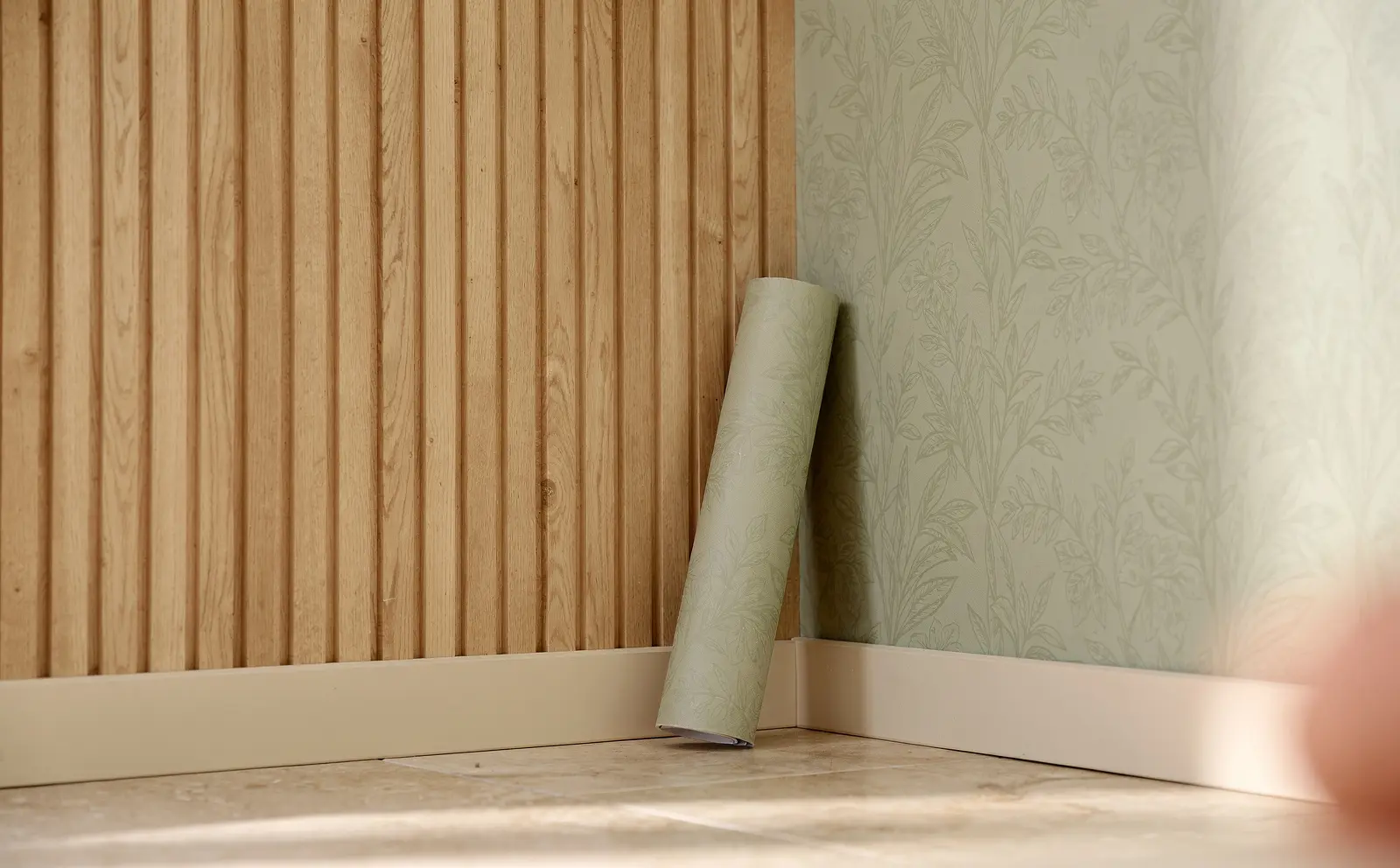
If you sell wallpaper or wall panels as well as paint, let shoppers try those on the same wall photo. A wall visualizer that handles paint, wallpaper and panels together makes it easier for shoppers to plan a whole room.
What else the product page needs
The visualizer is one part. The rest of the page has to answer the practical questions.
Describe colour in words
Colour names are often poetic and not very helpful. Add a plain description: a warm off-white with a slight yellow undertone, a mid green with grey in it, a soft clay pink. Mention how it tends to behave in different light, in general terms. Shoppers comparing similar neutrals rely heavily on these descriptions.
Show the colour in real rooms
Include photos of each colour in at least one or two real rooms, with notes on the light: a north-facing living room, a sunny kitchen. If you do not have photos for every colour, prioritise your best sellers and the colours most often returned or queried.
Suggest pairings
Shoppers often need a second colour: a trim, a ceiling, an adjoining room. Suggest a few pairings for each colour, including a white or off-white for woodwork. This helps people who are unsure, and it tends to increase basket size in a helpful way.
Explain finishes and coverage
Make the practical details easy to find:
- the available finishes, and which rooms each suits (for example, a wipeable finish for kitchens and hallways)
- coverage per litre, and how many coats are usually needed
- a simple calculator from wall dimensions to litres and tins
- drying and recoat times
- whether a primer is needed over dark colours or new plaster
Make samples the natural next step
Sample pots and painted swatches remain the most reliable way to choose a colour, and the visualizer should lead into them. Some practical points:
- Make sample ordering obvious next to the visualizer, with the colours the shopper tried preselected.
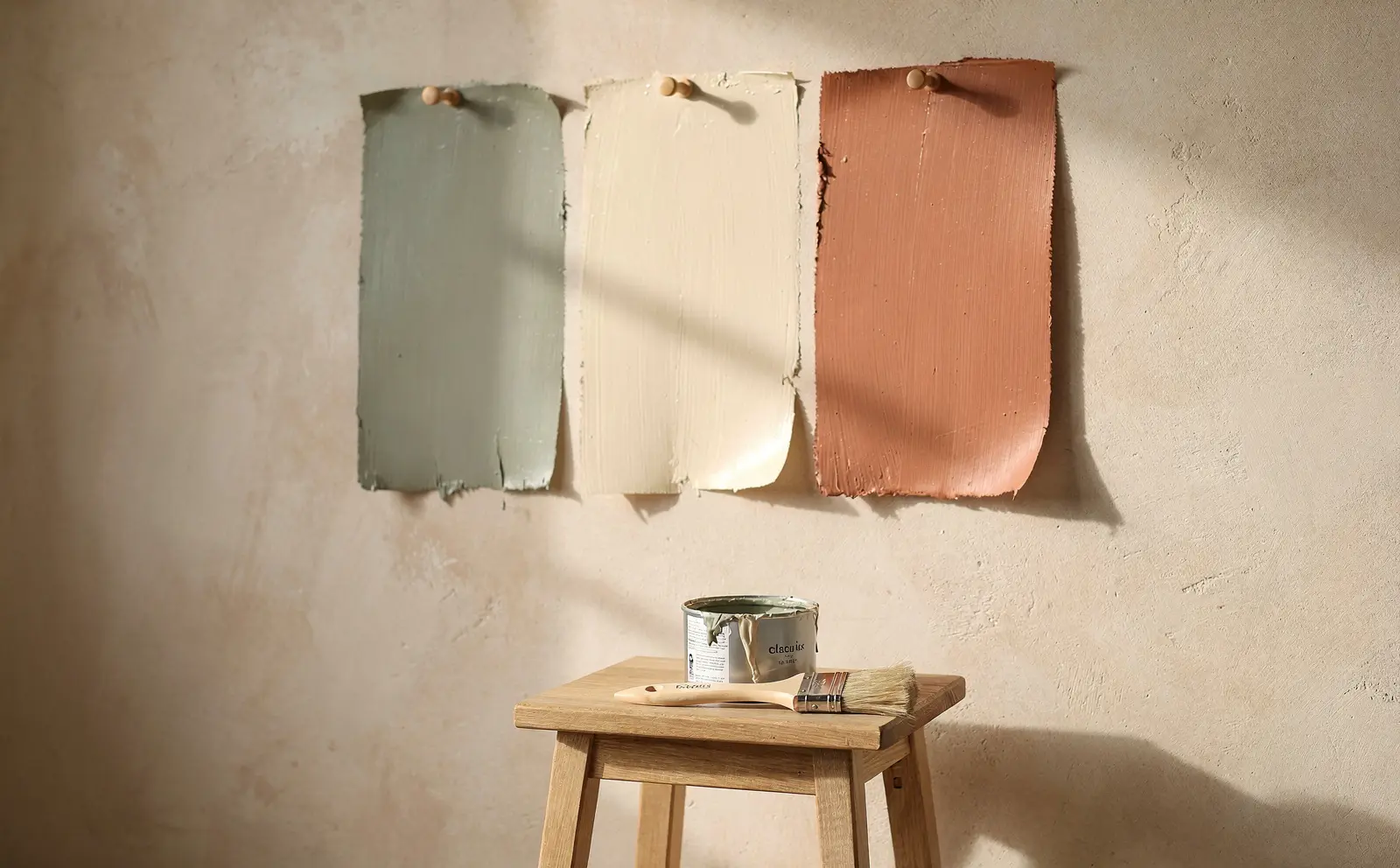
- Offer large painted swatches if you can. They are easier to move around the room than painting test patches and avoid marks on the wall.
- Include guidance on testing: try the colour on more than one wall, look at it morning and evening, and keep it away from the current wall colour or place it on white card.
- Follow up after samples arrive with a short, helpful note and a link back to the colours they ordered.
Help the decision across rooms
Many paint projects cover more than one room. Shoppers want the hallway, living room and kitchen to work together. Useful additions include:
- curated palettes of three to five colours that work across a home
- the ability to save several rooms in the visualizer with their chosen colours
- a summary of all the colours and quantities chosen, ready to order
Answer the common questions on the page
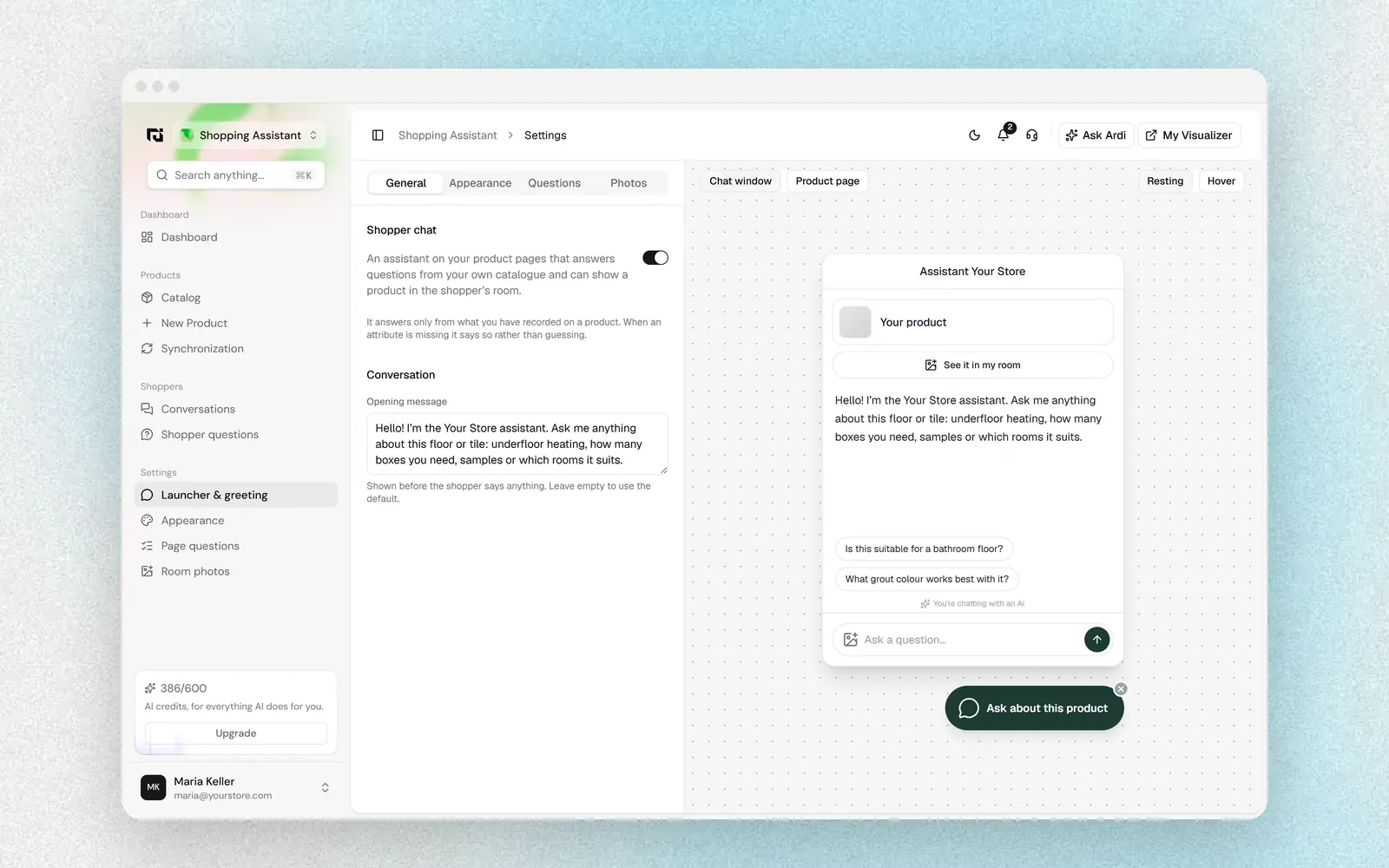
Paint shoppers ask the same questions again and again: Will this colour cover my dark wall in two coats? Is it suitable for a bathroom? Can I use it on wood? What is the difference between these two whites? An on-page assistant that answers from your own product data, such as Ardealy's shopping assistant, can handle many of these at any hour, and pass anything it cannot answer to your team.
Measure what helps people choose
To understand whether your colour tools are helping, look at:
- how many shoppers use the visualizer, and which colours they try
- how often a visualizer session leads to a sample order or a purchase
- which colours are sampled but rarely bought
- colour-related returns or complaints, where you take them
Colours that are tried often but rarely bought may need better photography or a clearer description.
Where Ardealy fits
Ardealy's visualizer paints the shopper's own wall in your colours, and can apply your wallpaper and panels in the same photo, directly on your product pages. It sits alongside a shopping assistant, content tools and follow-up email, all in one workspace where you approve what goes out. The paint page shows how it works for paint retailers and brands.
FAQ
How accurate are paint colour visualizers?
They are good for comparing colours in the context of a room, but not for exact colour matching. The photo, the screen and the room's light all affect what shoppers see, so a physical sample is still the final check.
Should a visualizer replace sample pots?
No. A visualizer helps shoppers narrow a long list to two or three colours. Sample pots or painted swatches then confirm the choice on the real wall.
What photo should shoppers upload?
A daylight photo taken from a corner of the room, showing as much of the wall as possible, works best. Avoid strong direct sunlight on the wall or very dark evening photos.
How do we describe colours that look similar?
Describe the undertone in plain words (yellow, pink, green or grey), compare them directly on the page, and show both in the same room photo if you can.
Can one tool handle paint, wallpaper and panels?
Yes, some wall visualizers handle all three on the same photo, which helps shoppers planning a feature wall alongside painted walls.