One product photo in. A whole campaign out.
Room scenes, lifestyle shots, cover shots, finishes and short videos, made from a single catalogue photo, in your brand’s light. On a canvas, or from one sentence to the Studio Agent.
Everything included. Nothing goes out without your approval. Or book a demo
Four rooms in warm morning light, a cover shot on sand, the three finishes and a slow push on the living room. Two are approved, five wait for you.
Everything below came from one photo.
A sideboard on white went in. Four rooms, a lifestyle shot, a cover shot, a detail, three finishes and a film came out, all of the same piece, in the same light.
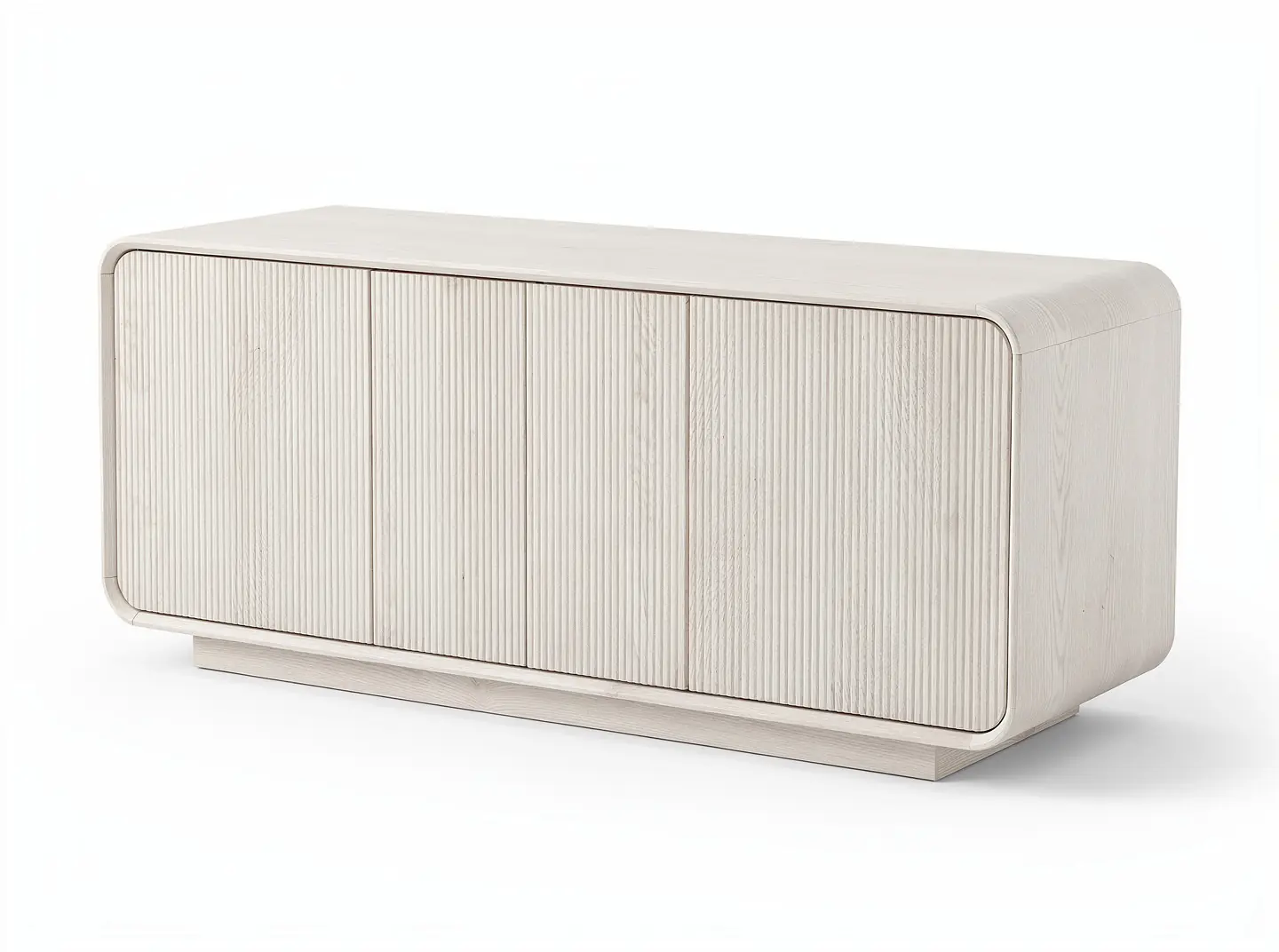
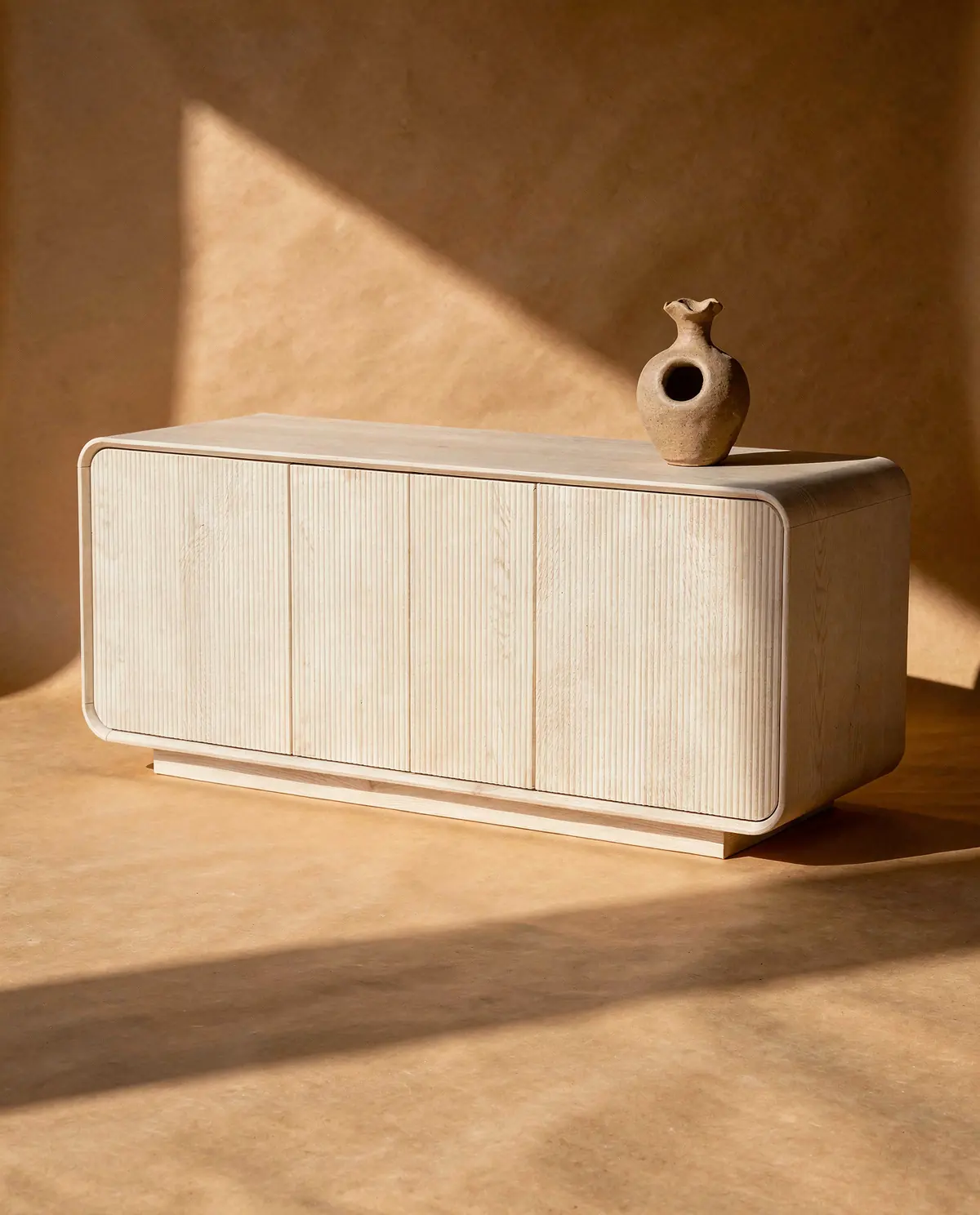
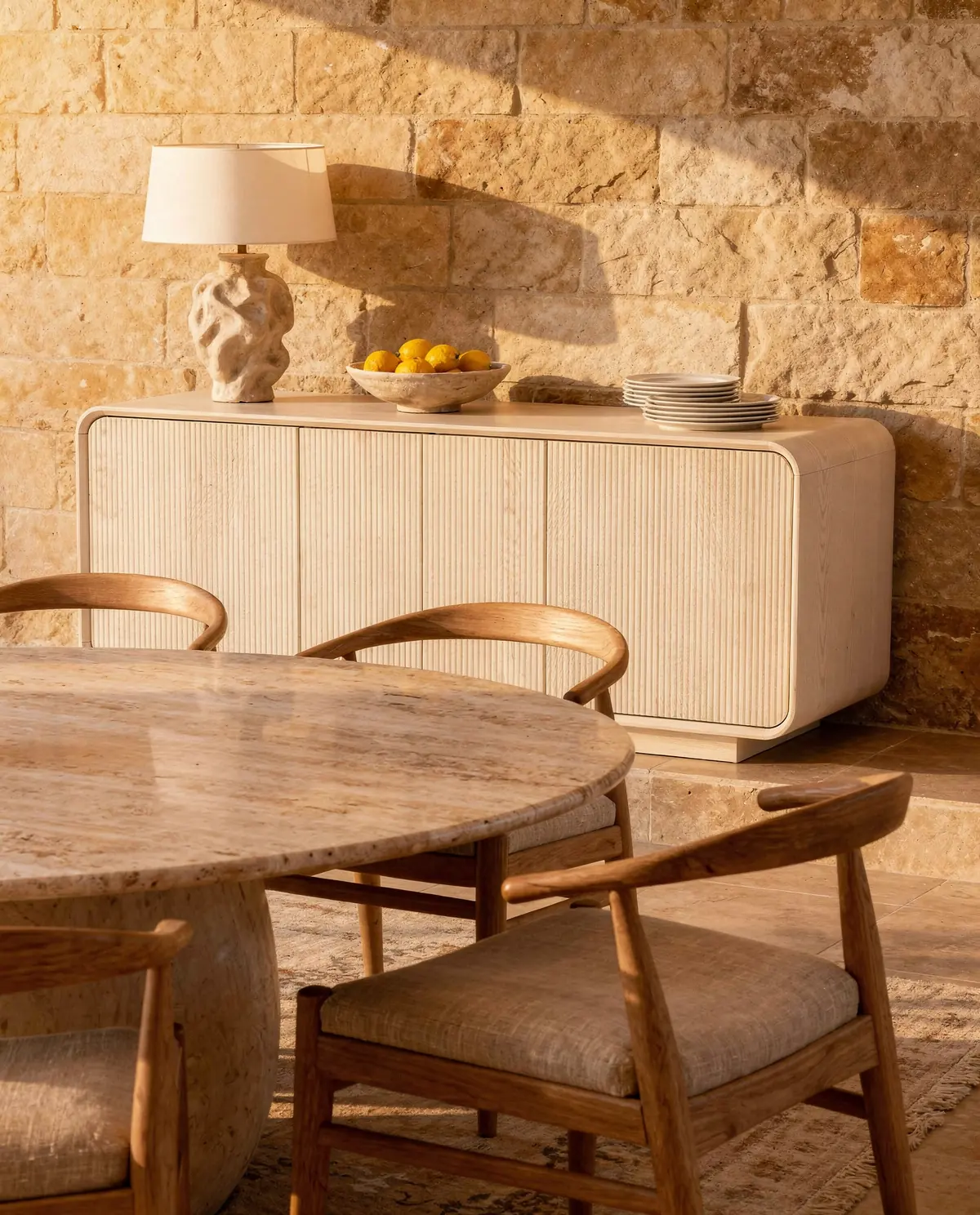
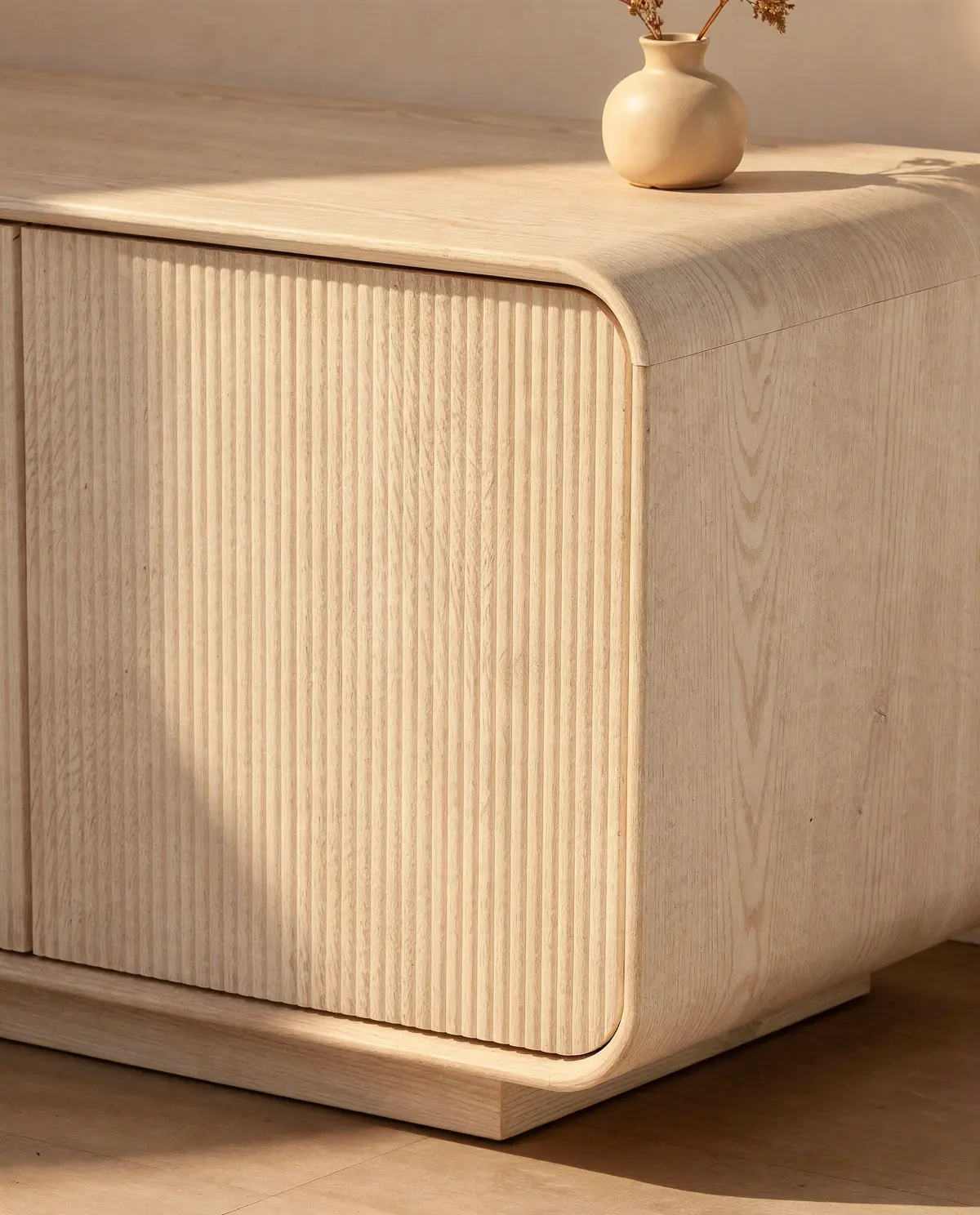
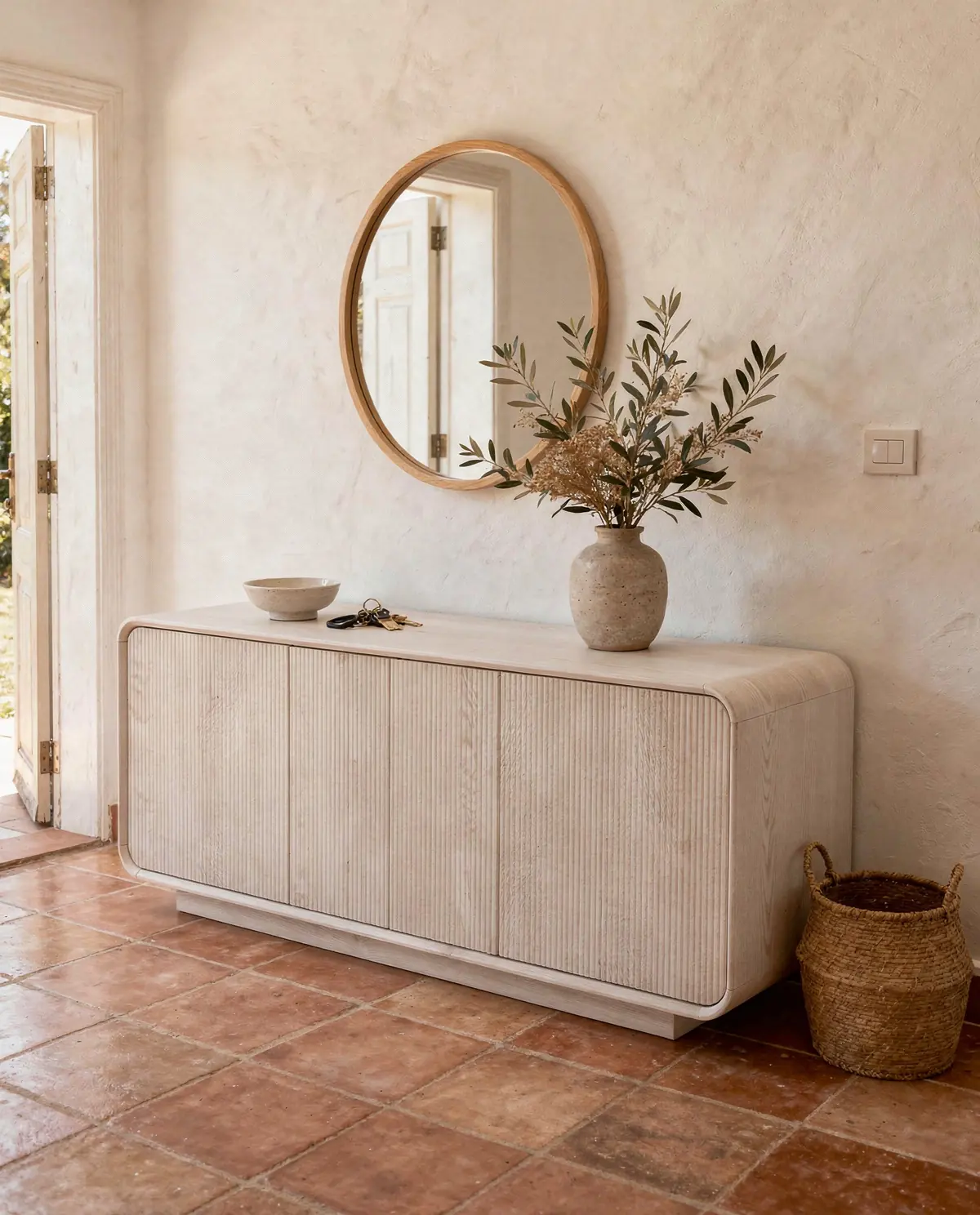
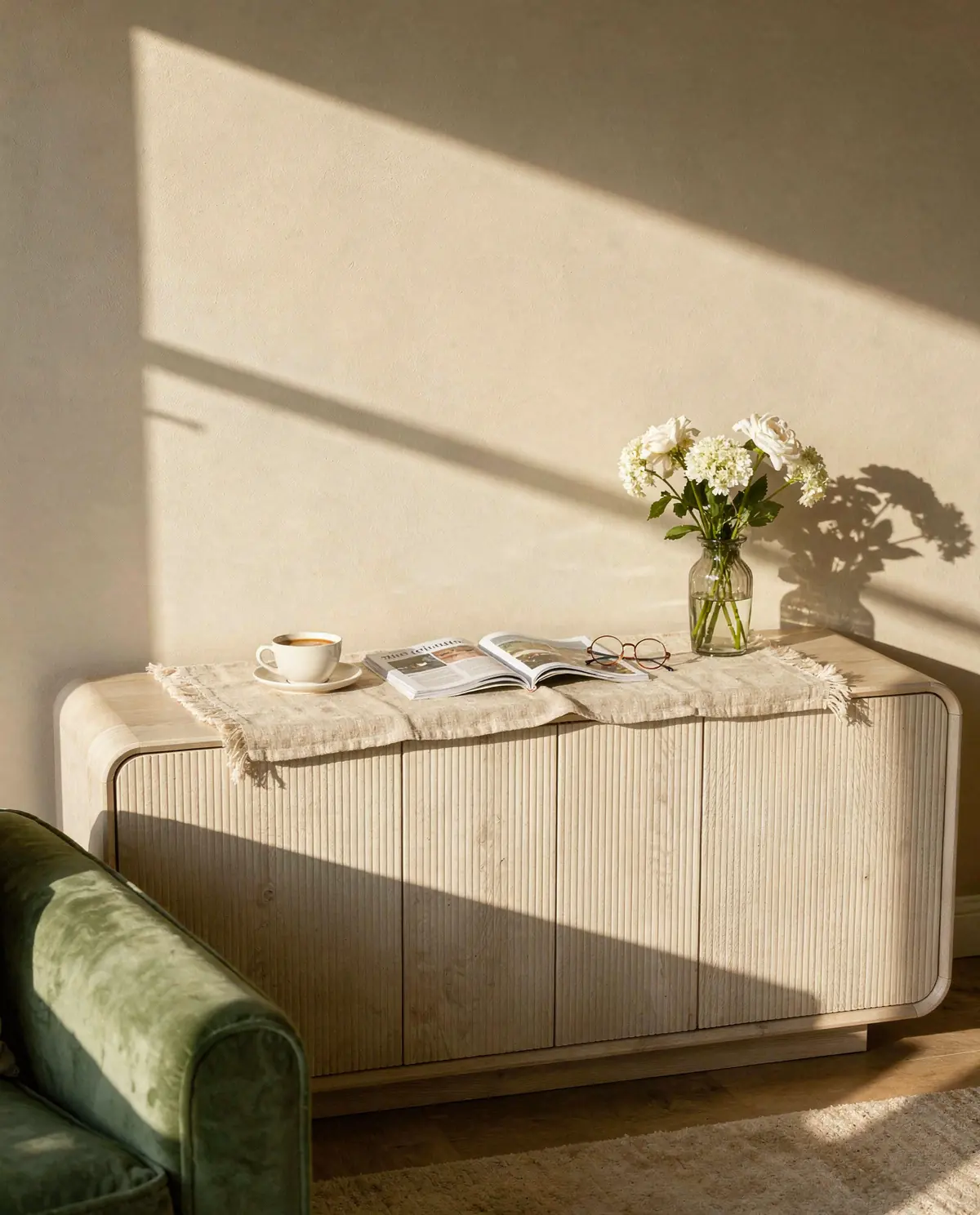
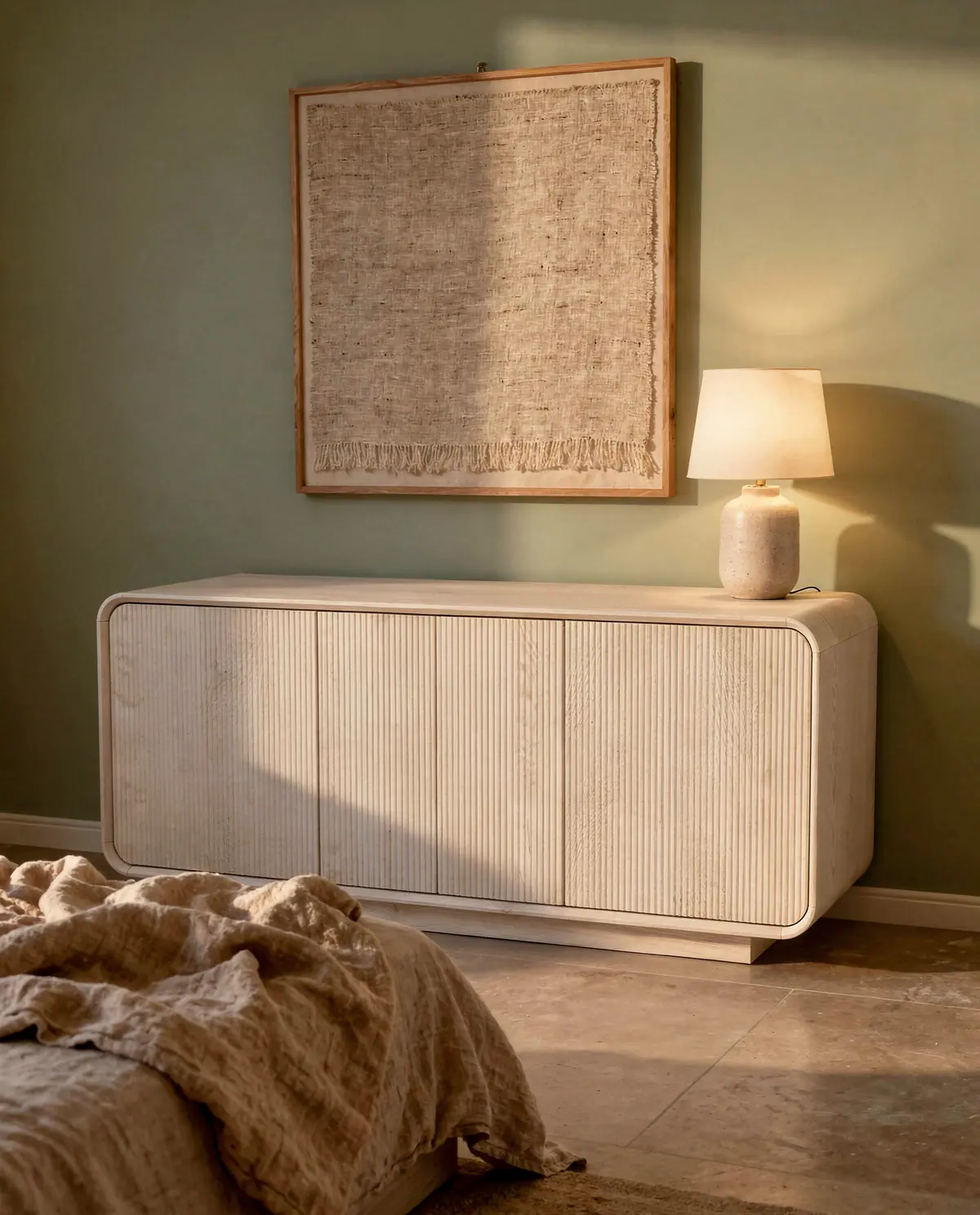
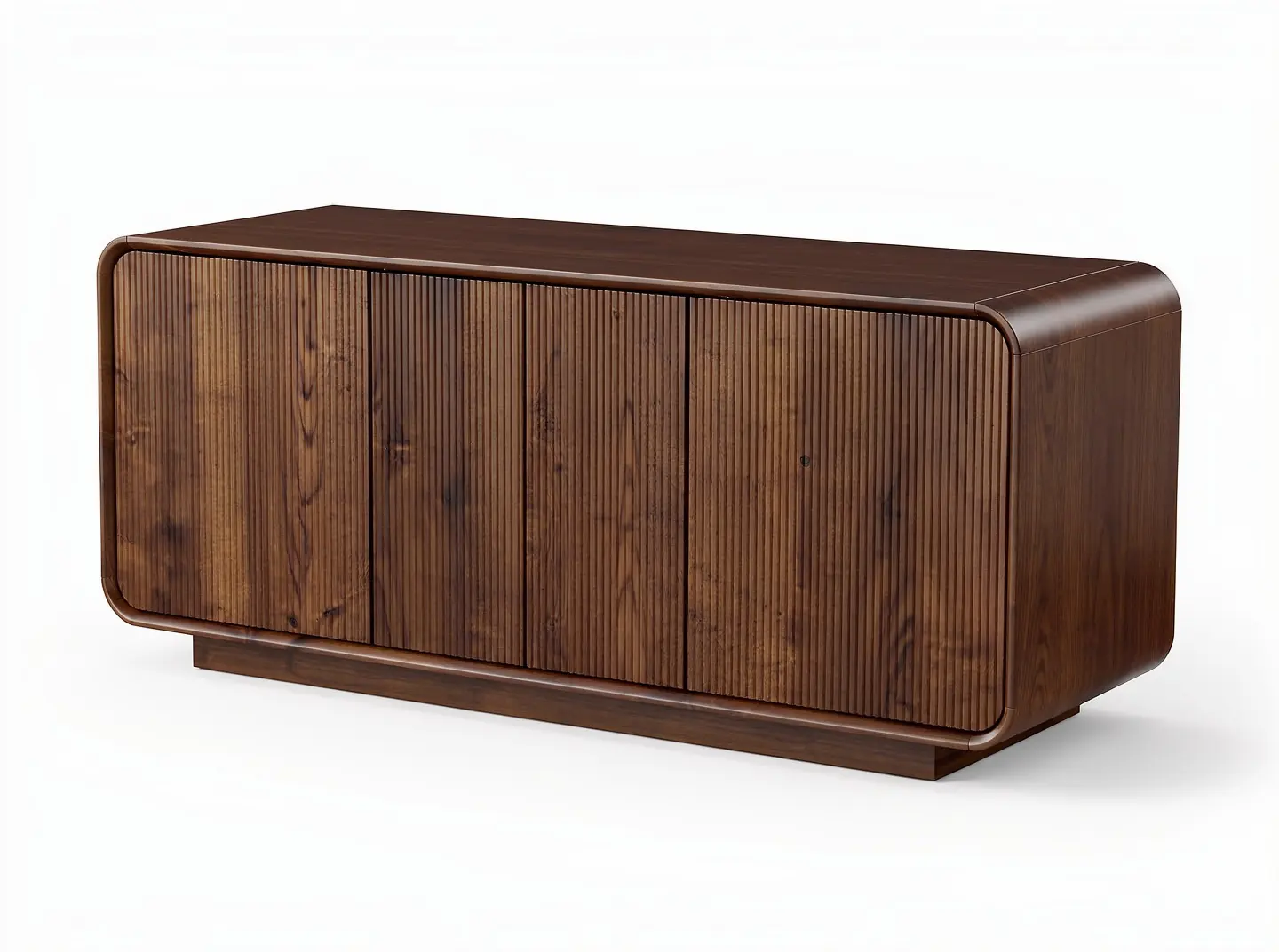
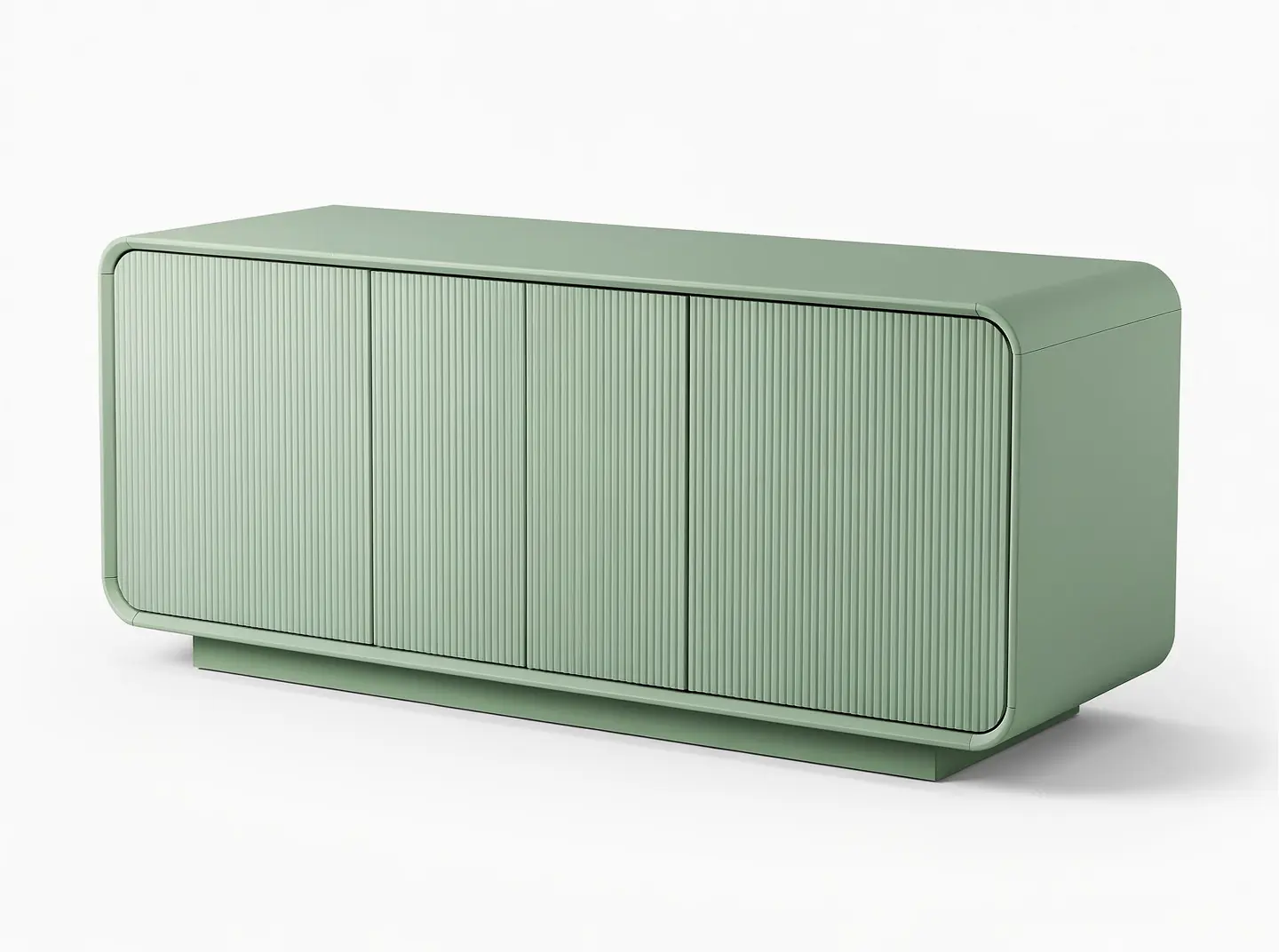
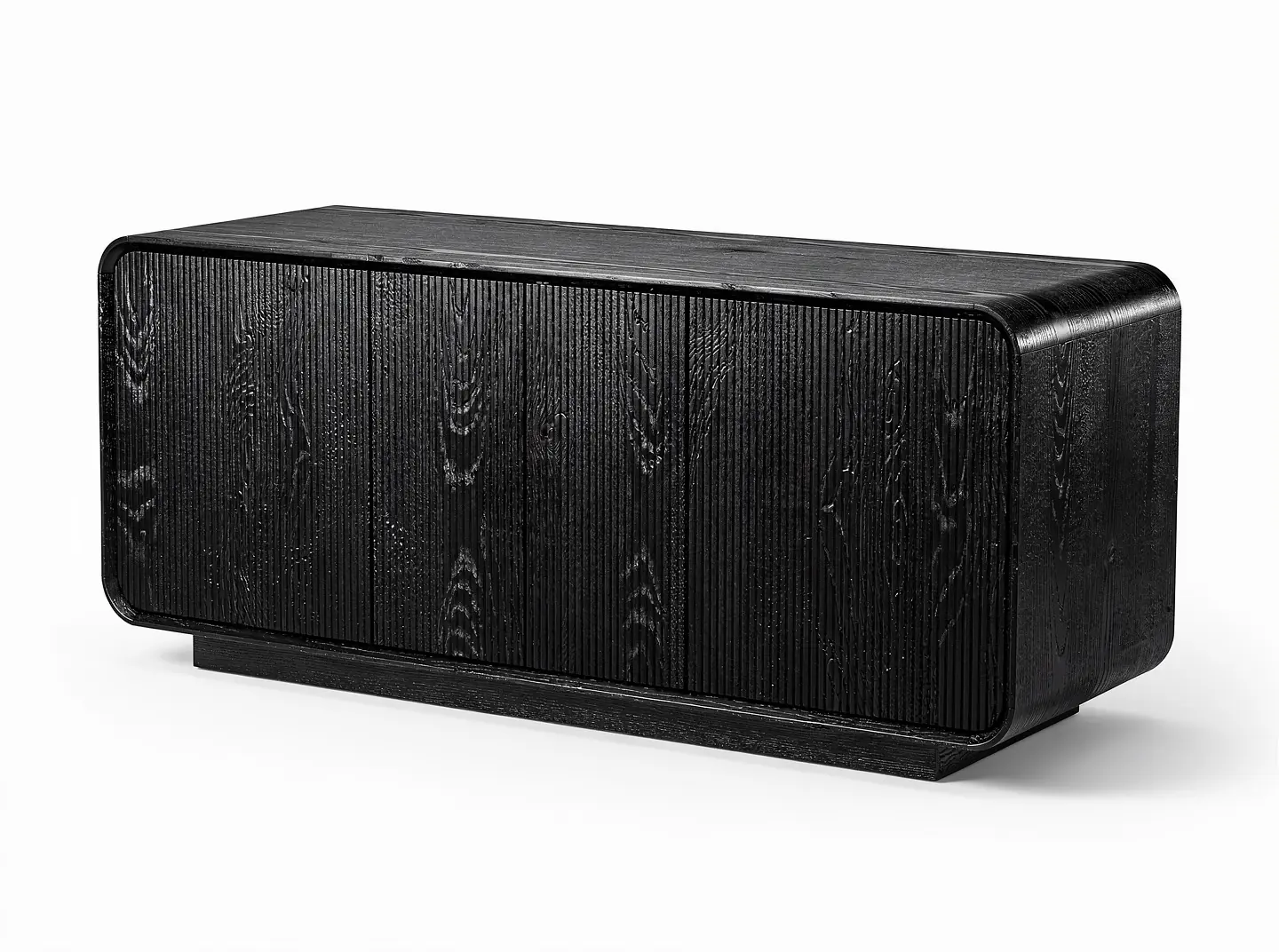
Every picture a product page and a feed need.
Each kind of picture is a recipe with its own rooms, styles, light and framing. Run one, or let the Studio Agent pick them for you.
Room scenes
Your product in a living room, dining room, hallway, bedroom, kitchen, bathroom or terrace, at the right scale.
Product photography
Catalogue white, a cover shot on a coloured backdrop, a close detail. With the light you choose.
- CoffeeFresh flowersMorning sun
Lifestyle shots
The product lived with: coffee, flowers, books, morning sun. Styled, not staged.
- 4 finishes, 1 photo
Variations
Every finish and colour you sell, from the photo of one. No second shoot.
- 0:06 · 1080pSlow push, from the living room scene
Image to video
A slow camera move through a scene, six seconds, for Reels, ads and product pages.
Place in a room
Put the product into a photo of a real room, with the room’s own light and shadow.
- Make the painting sage and cream
Retouch, expand, modify
Change part of a picture in words, widen it for a banner, or clean it up.
Change one thing. Keep the rest.
Say what to change. The studio changes that and leaves the product, the room and the light as they were. Drag to compare.
A studio that takes a brief.
Tell the Studio Agent what you need. It plans, shows the cost, makes the set in your brand and waits for your approval before anything is used.
- Studio AgentRoom scenes of the Alma for the dining page. Warm, Mediterranean, nothing too styled.Here is what I would make. Nothing runs until you say so.Dining room, stone wall, golden hourHallway, terracotta floor, daylightYour brand light: warm, soft, from the left3 versions each, 4:5 for the product pageAbout 90 creditsChangeMake themStudio Agent
A plan first, with the cost.
Mention any product from your catalogue with @ and say what it is for. The agent picks the recipes, writes the plan and tells you the credits before it makes anything.
- Mention products by name
- Recipes picked for you, or by you
- Credits shown before it runs
- Brand kitRead from yourstore.comLogoYour StoreColoursTypeAa SerifAa SansLightWarmSoft, from the leftMorningMoodBrand kit
Your light, your colours, every time.
The brand kit is read from your own site: logo, colours, type, the light and mood of your pictures. Every scene and every post is made with it, so a season’s pictures look like one shoot.
How the brand kit is read - Dining roomApproved, in the libraryHallwayWaiting for youBedroomRejected: lamp too large Make againReview
Approve, reject, make again.
Every picture waits for a person. Approve it into your library, or reject it with a reason and the studio makes another. Nothing is published from here on its own.
- Schedule as postReeded oak, rounded corners, room for everything. The Alma is here for autumn.#sideboard #oakfurniture #livingroomThu 18:00Instagram + FacebookWaiting for your approvalApproveSchedule as post
From the canvas to the calendar.
An approved picture becomes a post in one step: the caption written in your voice, the day and time chosen, Instagram and Facebook. It lands in the social planner, waiting for your yes.
See the social planner
One photo, a few choices, a set you can use.
- 01One photo, from your catalogue
Pick a product
Choose it from your catalogue, already imported, or upload a photo. One is enough.
- 02Lifestyle RoomProduct PhotographyVariationsImage to VideoPlace in a room
Choose the recipes
Room scenes, cover shots, variations, video. Or describe it in a sentence and let the agent choose.
- 03Download for the product page Schedule as post Use in the next newsletter Edit in words
Approve and use it
Download it, schedule it as a post, put it in a newsletter, or ask for a change in words.
Priced per picture, from your plan’s credits.
- Product photo to start a set
- 1
- Credits per product image
- ~6
- Credits per room scene
- ~15
- Credits for a failed picture
- 0
Product photo to start a set
Credits per product image
Credits per room scene
Credits for a failed picture
About the content studio
Something else? Ask us directly.
What do we need to start?
One photo of the product. A cutout on white works best, but a photo from your catalogue or your supplier is fine. The studio keeps the product as it is and builds the rest around it.
Does the product stay accurate?
The studio is built to keep the product itself unchanged: its shape, its finish, its proportions. Every picture waits for your review before it is used, and you can reject it, make it again or correct part of it in words.
Which products does it work for?
Furniture, floors (parquet, laminate, vinyl, carpet), tiles and stone, wall coverings, paint, rugs, kitchens and bathrooms. Each has rooms and camera angles that suit it, so a floor is shown from standing height and a sideboard from across the room.
What is the canvas, and do we have to use it?
The canvas lays out a project: the product photo, the recipes run on it and everything they made, joined by lines. You can work on it directly, or just ask the Studio Agent in a sentence and let it build the canvas for you.
How much does a picture cost?
A product image is about 6 AI credits and a room scene about 15, taken from your monthly allowance. The cost is shown before anything runs, and failed work is never charged.
Can we use the pictures anywhere?
Yes. Download them for your product pages, marketplace listings, print or ads, schedule them as posts in the social planner, or use them in your next newsletter.
Send us one product photo.
We make a set of scenes from it before we meet, so the first thing you see is your own product.