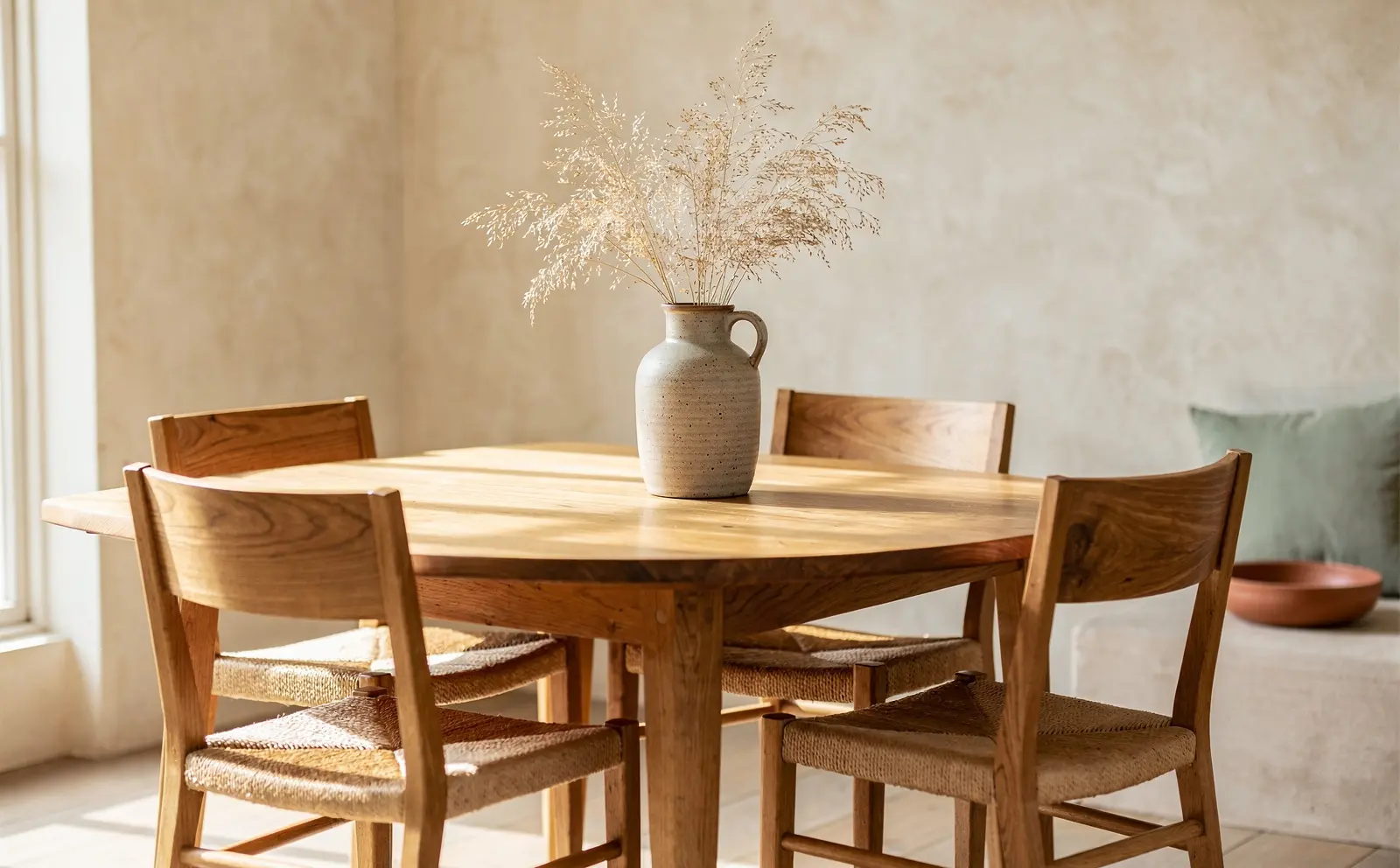
Furniture is bought with the eyes first. Shoppers need to see the shape, the material, the scale and the mood of a piece before they will spend serious money on it. For large brands, that means studio shoots and styled sets. For most small and mid-sized furniture businesses, a full room shoot for every product and every finish is simply not realistic.
The good news is that a strong image set does not have to start in a studio. With one well-taken product photo and careful use of AI room scenes, a small team can build galleries, social posts and ads that look considered and stay true to the product. This guide explains how.
What a furniture product gallery needs
Before thinking about tools, decide what each product page should show. A practical gallery for most furniture includes:
- A clean product shot on a plain background, front or three-quarter view.
- Additional angles: side, back and, for seating, a view of the seat depth.
- Detail shots: fabric weave, wood grain, joints, legs, stitching, hardware.
- A room scene showing the piece in a believable setting at the right scale.
- A scale reference: dimensions drawn on an image, or the piece next to familiar objects.
- Finish or fabric options, shown consistently so they can be compared.
The clean shots and details are about trust in the product. The room scenes are about imagination: they help a shopper picture the piece at home. AI tools can help a great deal with the second, much less with the first.
Start with one excellent product photo
Everything else depends on a good source photo. You do not need a studio, but you do need care.
Simple setup for a small team
- Use daylight. A large window with indirect light gives soft, even light. Avoid direct sun, which creates hard shadows and colour shifts.
- Use a plain backdrop. A clean wall, a large sheet of paper or a plain fabric, in white or a light neutral.
- Keep the camera steady. A tripod and a phone or camera at around the height of the middle of the piece gives natural proportions.
- Shoot a three-quarter angle. It shows the front and one side, which is the most useful single view for furniture.
- Bounce light into shadows. A white foam board opposite the window fills in dark areas.
- Check the colour. Compare the photo with the real piece on a calibrated screen if possible. Fabric and wood colour errors are a common source of disappointment.
Detail shots matter more than you think
Close-ups of the fabric, wood and construction are where quality shows. They are also where AI should not be used to invent anything. Photograph them for real, in good light, at close range.
Using AI room scenes well
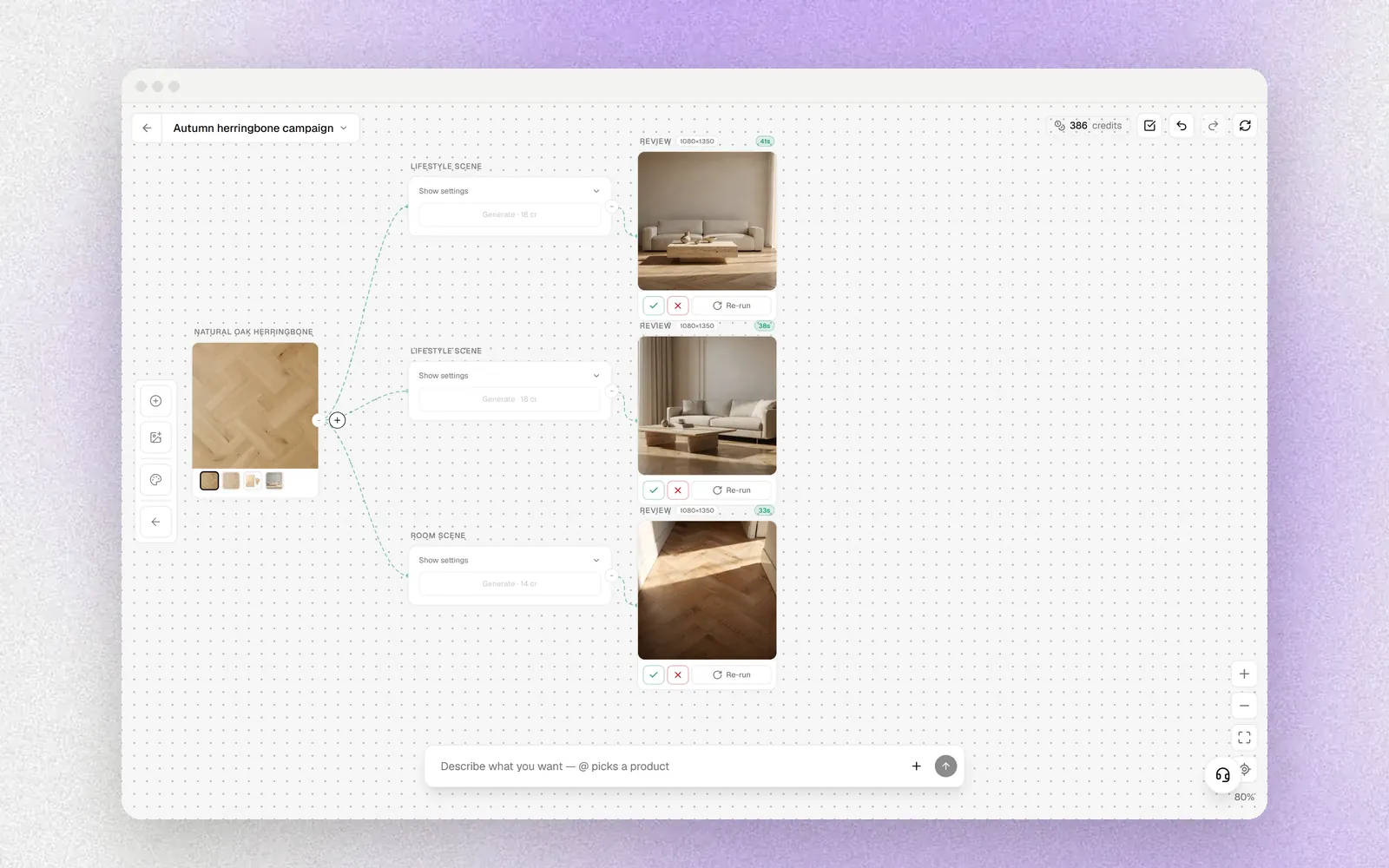
AI room scenes take a product photo and place the piece in a generated room. Used well, they let a small brand show each product in several settings, for different styles and seasons, without a set build.
Keep the product faithful
The most important rule: the product in the scene must be the product you sell. Check every generated image for:
- shape and proportions: arms, legs, cushions and backs should match the real piece
- material and colour: the fabric weave and wood tone should match the source photo
- details: number of drawers, handle style, leg shape, stitching
- scale: the piece should sit correctly against doors, windows, rugs and other furniture
If a scene changes the product, reject it. A beautiful image of a slightly different sofa is a future return.
Make scenes believable
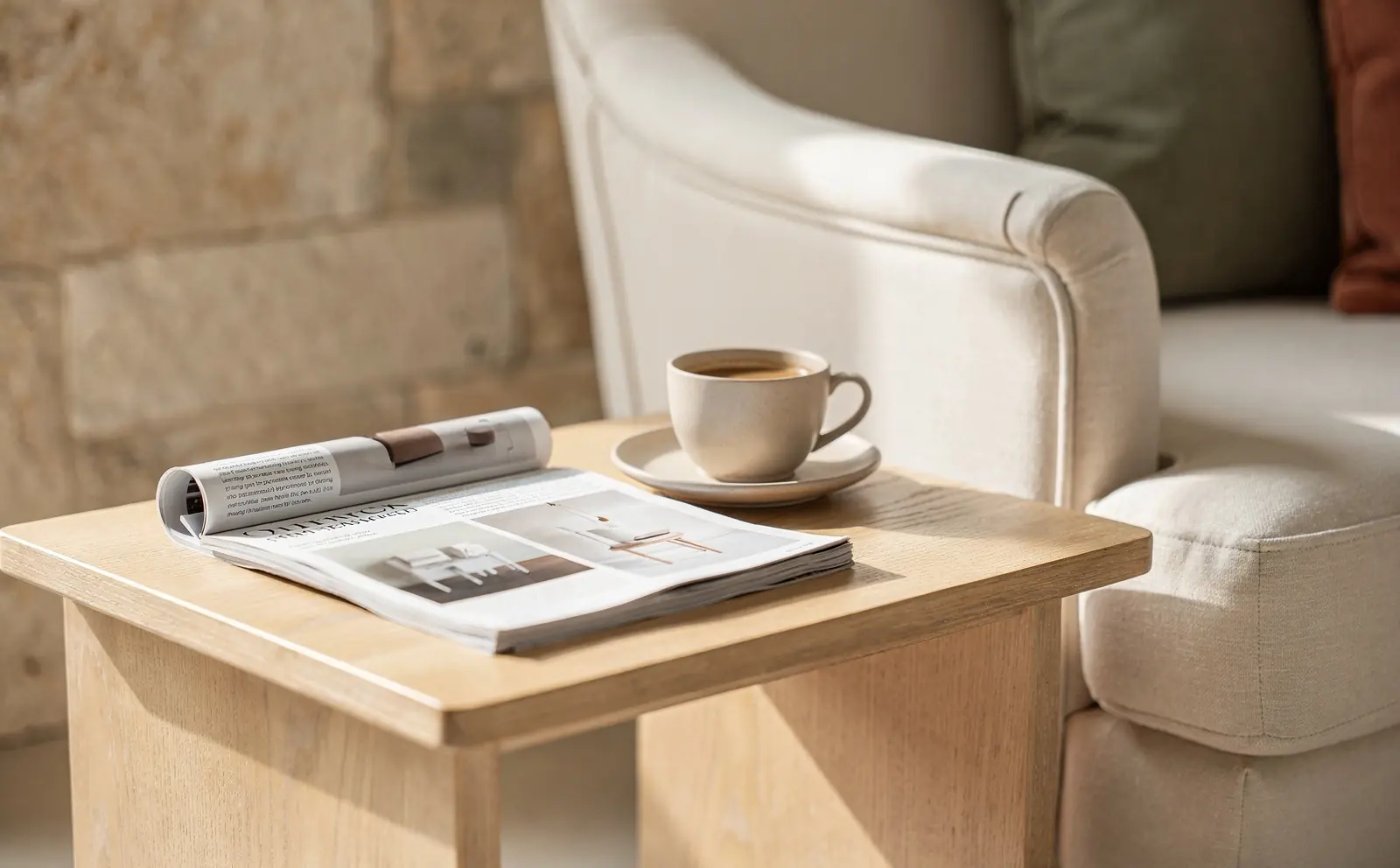
Good room scenes look like a real home, not a render:
- a consistent light direction across the room and the product
- a sensible floor and wall for the style of the piece
- styling that supports the product without crowding it
- a realistic camera height and angle, similar to the source photo
Build a consistent house style
Decide on a small set of room styles that suit your brand and customers, for example a light oak living room, a darker reading corner and a calm bedroom. Reuse them across products so your catalogue looks coherent. Shoppers browsing a category should feel they are looking at one collection, not a random set of images.
Turning one photo into a full content set
Once you have a faithful product photo and a few approved room scenes, you can build much more from them:
- Product page gallery: clean shot, details and two or three room scenes.
- Finish variations: the same scene with each fabric or wood option, so shoppers compare like with like.
- Social posts: square and vertical crops of the room scenes, with a short caption about the piece.
- Short videos: a slow camera move through a room scene works well for reels and stories.
- Ads: room scenes in several styles let you test which setting resonates with which audience.
- Email: a single strong room scene often does more in a newsletter than a grid of products.
Tools such as Ardealy's Content Studio are built around this flow: one product photo in, room scenes, product photos and short videos out, all reviewed before use. Whatever tool you use, keep the review step.
Be transparent with shoppers
Generated room scenes are a reasonable way to show how a piece might look in a room, but shoppers should never be misled about the product itself. Good practice includes:
- always including real photos of the product and its details
- keeping the product unaltered in generated scenes
- giving clear dimensions on the page
- following the rules of the platforms and marketplaces you sell on regarding generated imagery
Let shoppers see the piece in their own room
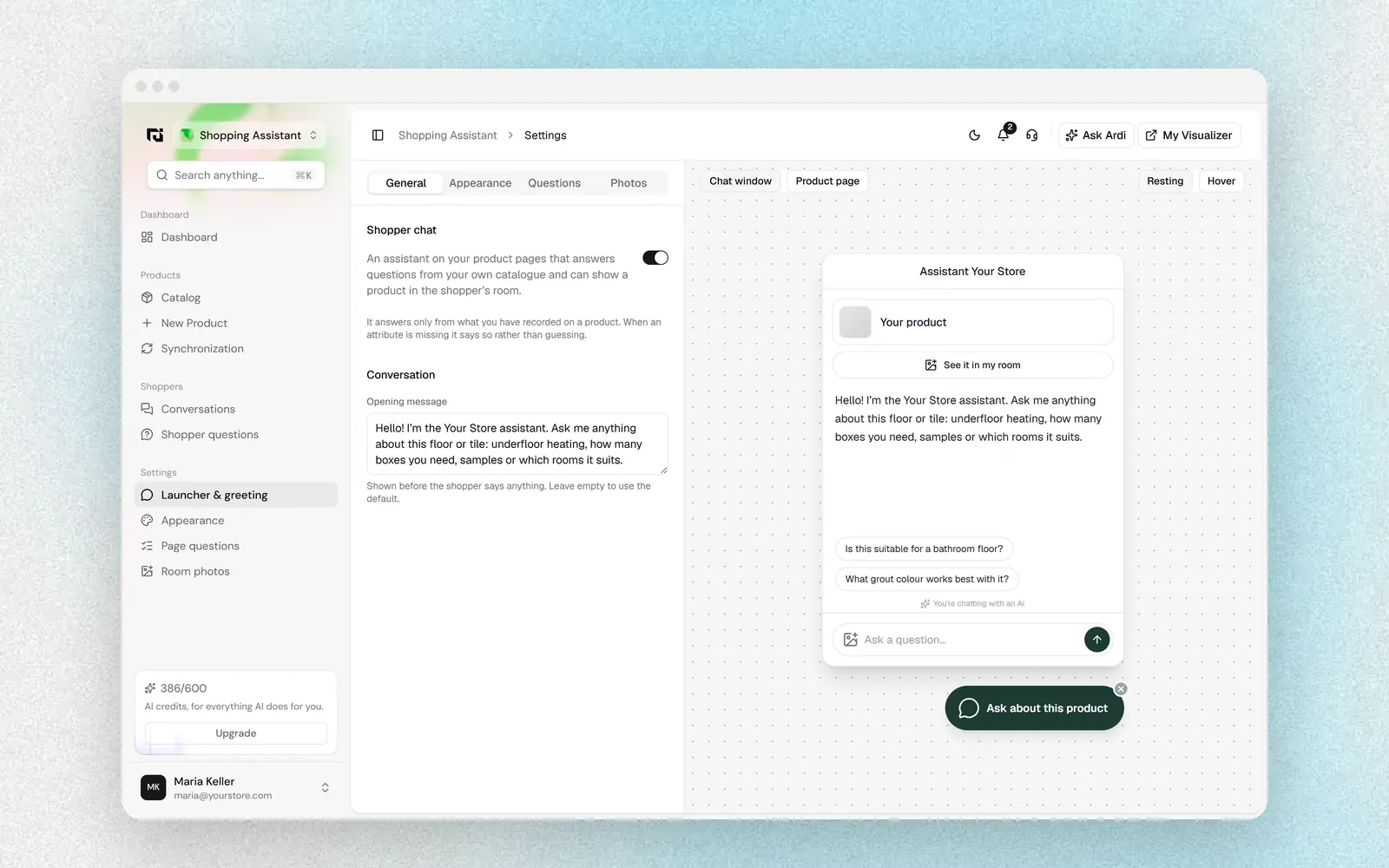
The best room scene is the shopper's own room. A furniture visualizer on the product page lets shoppers place a piece in a photo of their space at the right scale. This answers the two questions that most often stop a furniture purchase: will it fit, and will it suit the room.
A simple workflow for a small team
- Photograph each new product in daylight: clean three-quarter view, two more angles, three to five details.
- Colour-check the photos against the real piece.
- Generate room scenes in your chosen house styles.
- Review each scene for product accuracy and believability, and reject anything that changes the piece.
- Publish the gallery, then reuse approved scenes for social, email and ads.
- Review which images shoppers engage with and which products get the most questions, and improve those first.
Where Ardealy fits
Ardealy brings room scenes, product photos and short videos from one product photo together in Content Studio, alongside the furniture visualizer for product pages and a social planner that schedules posts you have approved. You can see the furniture setup on the furniture page. The principles here apply whichever tools you choose.
FAQ
Can AI replace furniture product photography completely?
No. You still need real photos of the product and its details. AI room scenes are best used to show the product in different settings, built from a faithful real photo.
What camera do we need?
A recent phone camera is enough for most needs if the light is good and the camera is steady. Light and care matter more than equipment.
How do we make sure the product is not changed in AI scenes?
Review every image against the source photo for shape, proportions, colour, material and details, and reject any scene that changes the piece.
How many room scenes should each product have?
Two or three well-chosen scenes are usually enough for a product page, with more variations for social and ads if useful.
Should we tell shoppers that room scenes are generated?
Follow the rules of the platforms you sell on, and never let a generated scene misrepresent the product. Real product and detail photos should always be on the page.